
Naver Map in English: How to Use It in Korea
 meeinup
Updated
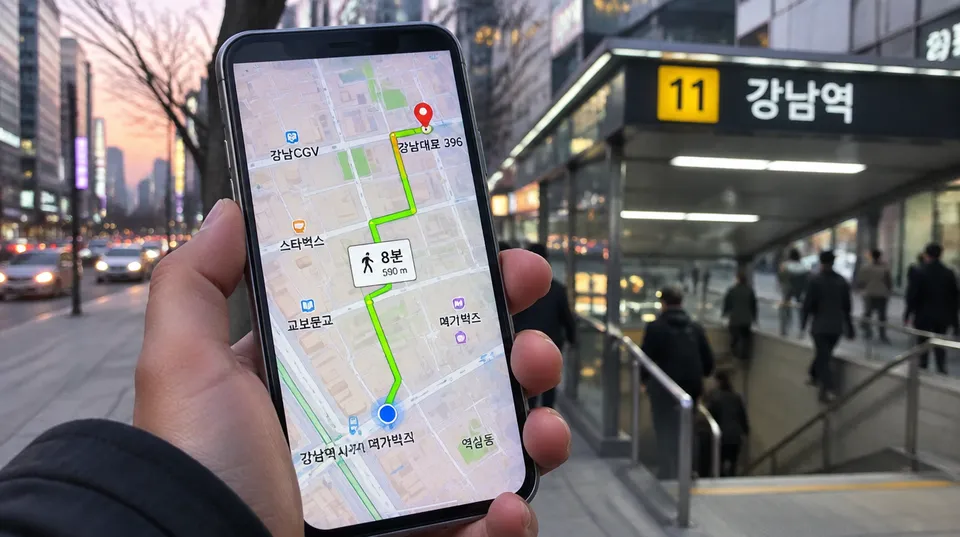
Short answer: Google Maps still cannot give you walking or driving directions in Korea, so download Naver Map (네이버 지도) and switch it to English in its settings. When an English search finds nothing, search with the Korean name or address instead.
In this guide
Google Maps in Korea right now
Google Maps works in Korea for finding places and looking at the map, but it has never offered turn-by-turn directions here, because Google could not move Korea's detailed map data to its own servers.7
That is changing. In February 2026 the Korean government approved Google's request to export 1:5,000-scale map data, under security conditions.7 On 13 November 2026 the government confirmed that Google had met those conditions.8 Korean news reports expect walking and driving directions in Google Maps as early as early 2027, but Google has not announced a date.8, 9
So for a trip now, use a Korean map app for directions. Naver Map is the one most visitors use.
Set Naver Map to English

Naver Map has Korean, English, Japanese and Chinese map versions, and gives directions in English.1 The app may open in Korean the first time. To switch it:6
- Open Naver Map and tap MY.
- Tap Settings, then Language.
- Choose English.
On an iPhone you can also go to the phone's Settings > NAVER Map > Preferred Language and choose English.6 Naver also publishes its own English usage guide for visitors.2
Searching when English does not work
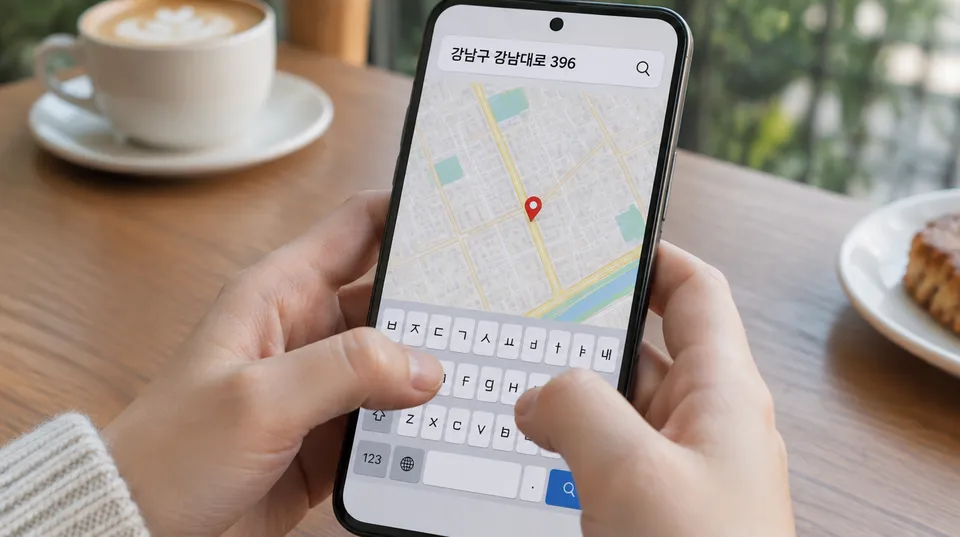
The menus are in English, but many places, especially small shops and clinics, only have a Korean name in the app. Foreign users have also found that searching by English address or by a phrase such as "night market" often fails.5 What works:6
- Search the Korean name. Copy it from the place's website or from a page like ours, and paste it in. You do not need a Korean keyboard.
- Search the Korean address. A road-name address such as 강남대로 396 finds the exact building.
- Check the pin. Chains have many branches with almost the same name.
- Save the place once you find it, so you do not search again on the day.
Reviews written by Korean users are translated into English, Chinese and Japanese, and search filters such as cuisine are translated too.3 The translations are machine-made, so some sentences read oddly.6
Directions and subway exit numbers
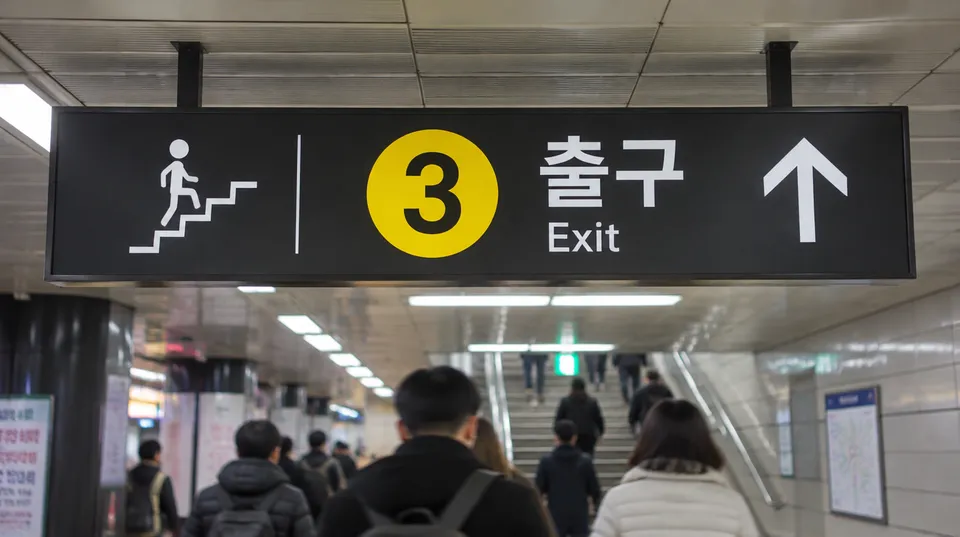
Big Seoul stations have many numbered exits, and the wrong one can leave you on the far side of a wide road. Naver Map's transit directions tell you which exit to use, so look for that number before you leave the platform, then follow the yellow exit signs.

For more on the subway and buses, see getting around Seoul and the Seoul bus guide.
Booking and paying with a foreign passport
Many restaurants and clinics in Korea take bookings through Naver, which used to need a Korean phone number. Since June 2026, visitors with a passport issued outside Korea can verify their identity in the app and use NAVER Booking, NAVER Order and payments, with no Korean phone number.4 Not every place takes bookings this way, so check the place's page.6
Naver Map, KakaoMap or Google Maps?
| Naver Map | KakaoMap | Google Maps | |
|---|---|---|---|
| English menus | Yes | Limited | Yes |
| Walking directions | Yes | Yes | Not yet (expected 2027) |
| Subway and bus directions | Yes | Yes | Yes |
You can keep Google Maps for places you saved at home and use Naver Map to get there.
Getting to a clinic

Clinics in Gangnam and Sinsa are usually on an upper floor of an ordinary office building, and the sign at street level is small. Every clinic page in our Seoul clinic directory shows the Korean name and address, the nearest station exit and a Naver Map link, so you can open the route directly.
- Open the clinic's page and tap Naver Map.
- Tap Directions and choose the subway.
- Note the exit number, then follow the walking route.
- Check the floor on the building's directory board by the door.
Questions
Does Google Maps work in Korea?
Partly. You can search for places and see a map, but Google Maps does not give walking or driving directions in Korea yet. The government approved Google's map data request in February 2026, and news reports in November 2026 expect directions as early as early 2027. No launch date has been announced.
Is Naver Map available in English?
Yes. Naver Map has English, Korean, Chinese and Japanese versions, plus English navigation. Change the language in the app's settings.
Why can't I find a place on Naver Map in English?
Smaller places often have no English name in Naver Map. Search with the Korean name or the Korean address instead. Copy and paste works, so you do not need a Korean keyboard.
Do I need a Korean phone number to book on Naver Map?
Not anymore for many bookings. Since June 2026, visitors with a foreign passport can verify their identity in the app and use NAVER Booking, NAVER Order and payments without a Korean phone number.
Should I use Naver Map or KakaoMap?
Either works for transit and walking directions. Naver Map has the fuller English version, so most visitors find it easier.
Find a clinic near your station
700 skin and dental clinics in Seoul with the Korean name, address, nearest exit and a map link.
Find a clinicUS dollar figures are rough estimates at ₩1,340 to US$1 (November 2026).
Sources
- App Store: NAVER Map, Navigation (app listing)
- NAVER: NAVER Map usage guide in English, Chinese and Japanese (December 2024)
- NAVER: review translation and place filters in English, Chinese and Japanese (October 2024)
- NAVER: passport verification for bookings and payments on NAVER Map (June 2026)
- The Korea Times: local maps gain popularity, but leave foreigners unsatisfied (April 2025)
- Wise: how to use Naver Map in English in South Korea (2026)
- TechCrunch: South Korea opens the door to let Google Maps operate fully (February 2026)
- Kyunghyang Shinmun: Google meets the security conditions for Korean map data (November 2026)
- Newsis: Google expected to add walking and driving directions as early as early next year (November 2026) (in Korean)
Images by meeinup.